EPOS Telangana Closing
When you check the EPOS Telangana closing balance online, you gain access to information regarding the available quantity of rations and the distribution system linked to the Fair Price Shop. EPOS Telangana is part of the digital system used to manage Public Distribution System operations within the state.
What is EPOS Closing Balance in Telangana?
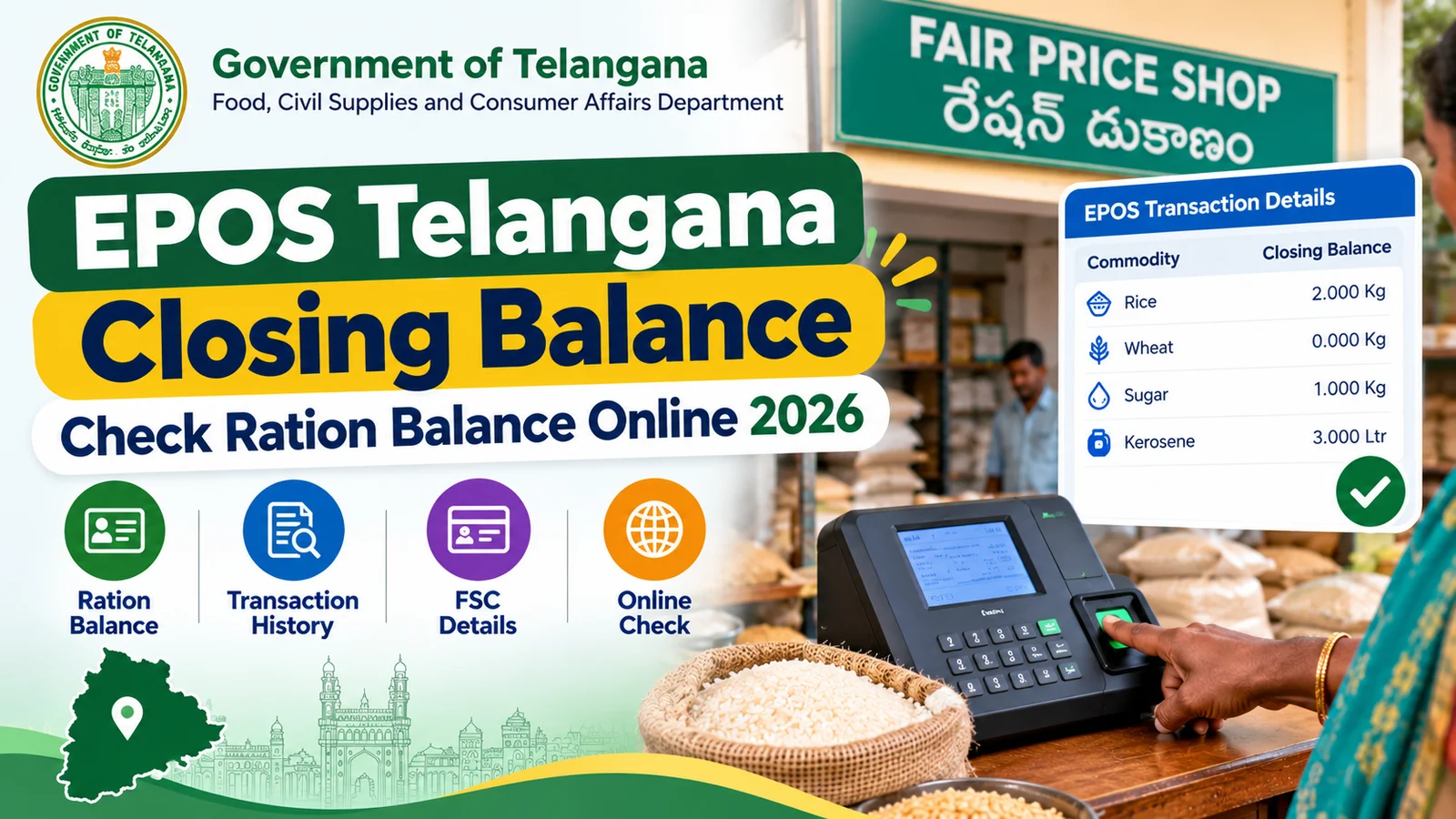
The EPOS closing balance refers to the remaining quantity of ration items yet to be distributed against a ration card in Telangana. When you collect your monthly ration, the EPOS device at the Fair Price Shop—using biometric verification linked to your details—deducts the distributed amount from your total entitlement.
The closing balance indicates the quantity remaining from your initial allocation; for instance, if your monthly rice quota is six kilograms and you have already collected four kilograms, the EPOS system displays the remaining two kilograms.
Opening Balance
Your total monthly entitlement at the beginning of each month based on your family’s Hajj and card type.
Distributed Quantity
Amount already collected through the EPOS device with biometric verification
Closing Balance
Remaining uncollected quantity available for you to collect
Transaction Date
The Transaction Date shows when a ration distribution or stock transaction was recorded in the EPOS Telangana system.
EPOS Closing Balance Example
| Commodity | Monthly Quota | Collected | Closing Balance | Status |
| Rice (Fine) | 6.000 Kg | 6.000 Kg | 0.000 Kg | Fully Collected |
| Sugar | 1.000 Kg | 0.500 Kg | 0.500kg | Partial |
| Kerosene | 3.000 Liters | 0.000 Liters | 3.000 Liters | Pending |
The EPOS system operates through the official EPDS portal managed by the Civil Supplies Department of the Telangana government; every transaction is digitally recorded, creating a transparent and tamper-proof record of ration distribution.
How to Check Telangana EPOS Closing Balance Online
You can easily check your EPOS closing balance online via the official EPDS Telangana portal by following a few simple steps. There is no need to visit any office; the process is completely free, requires no registration, and works on any device with an internet connection.
1. Open the Official Telangana EPDS Portal
Open your web browser and navigate to epdstelangana.cgg.gov.in — the official Electronic Public Distribution System portal for Telangana state.
This is the same portal used for FSC search by Aadhaar number and other ration card services.
2. Select FSC Search or EPOS Transaction Menu
On the homepage, look for menu options such as:
- FSC Search to view the current closing balance
- EPOS Transaction Details for sales history
- Beneficiary Details or complete card information
Click on the appropriate option based on what information you need to check.
3. Enter Your FSC or Aadhaar Details
| Search Method | Format | Example |
| FSC Number | 10-12 digits | 31001234567 |
| Aadhaar Number | 12 digits | xxxx-xxxx-1234 |
| Mobile Number | 0 digits | 9xxxxxxxxx |
Check Your EPOS Closing Balance Information
- Once the search is completed, you may find the following details:
- Cardholder name and registered family members
- Type of FSC or ration card
- Fair Price Shop (FPS) number and dealer information
- Available closing balance for different ration commodities
- Date and time of the latest transaction
- EPOS machine or device details used for the transaction
Review Your Transaction History
If you want to see previous EPOS ration transactions, follow these steps:
- Open the Transaction History or related sales details option.
- Choose the required date range.
- Select View Details to check individual distribution records.
- Download or print the report if this option is available.
The transaction record may show the collection date, ration quantity, distributed items, and EPOS device details for each transaction.
Understanding Your EPOS Balance Status
The EPOS closing balance indicates your cumulative status for the current month; this helps you understand the meaning of the various balance readings, when your FPS submission is due, and whether any action is required on your part.
Zero Balance (0.000 Kg)
The meaning of “zero balance” is explained below:
All allocated rations have been distributed to you.
You have received your full monthly quota.
No portion of your ration for the current month remains outstanding.
No further action is required on your part.
Pending Balance (Quantity Showing)
The meaning of the remaining balance is explained below:
You have not yet collected a portion of your ration.
Please contact a nearby Fair Price Shop to collect it.
This balance can be carried forward for a limited period.
If you do not wish to lose it, please collect it before the month ends.
Common EPOS Balance Situations
| Balance Display | What It Indicates | Action Required | Timeline |
| 0 Kg for all items | Full monthly quota collected successfully | None — collection complete | Wait for next month (1st-5th) |
| Partial (e.g., 2 Kg | Incomplete collection, balance pending | Visit FPS to collect remaining | Wait for next month (1st-5th) |
| Full quota (e.g., 6 Kg rice) | Nothing collected yet this month | Visit FPS immediately | Before month end |
| Previous month balance | Carried forward from last month | Check carry-forward policy | Check carry-forward policy |
Understanding Your Commodity Balance
Rice Balance
A zero balance means you have collected your quota of basic commodities; a pending balance means you should visit the FPS promptly, as rice is a staple ration item.
Sugar Balance
Sugar is generally distributed in limited quantities due to a shortage in Telangana; sometimes, dealers distribute it only on specific days. Inquire at the fair price shop about the distribution schedule, and they can answer any questions you have.
Kerosene Balance
Kerosene is distributed to citizens who are entitled to it; not all types of ration cards include a kerosene allocation. If you do not have a kerosene quota, a zero balance is normal.
Viewing EPOS Telangana Sales Transactions
All information regarding the request you submitted is available in the ePOS sales transaction history. It records every distribution made at the Fair Price Shop, including the transaction date, the quantity of ration provided, the method of biometric verification, and basic details about the ePOS machine.
Details Available in EPOS Sales Records
| Data Field | Description | Example Value |
| Transaction Date & Time | Exact timestamp when ration was collected | 15-Jun-2026, 10:30 AM |
| FSC Number | Your ration card identification number | 31001234567 |
| Member Name | Family member who collected (authenticated via biometric) | RAJESH KUMAR |
| Commodity Type | Item distributed (Rice/Wheat/Sugar/Kerosene) | Rice (Fine) |
| Quantity Distributed | Amount given in current transaction | 6.000 Kg |
| FPS Shop ID | Fair Price Shop code where collection happened | FPS31001234 |
| EPOS Device ID | Fair Price Shop code where collection happened | FPS31001234 |
| EPOS Device ID | Unique device identifier used for the transaction | EPOS31001234 |
Benefits of Checking EPOS Sales History
Verification
- Ensure that you have received the exact items shown in the EPOS.
- Check which family member received the items.
- Verify that the quantities match the items received.
Error Detection
- Detecting unauthorized collections
- Identifying attempts at manipulation by the dealer
- Spotting erroneous entries or duplicate transactions
Conclusion
Checking your Telangana e-PDS closing balance helps you track your remaining ration quota and verify distribution records. Use the official Telangana e-PDS portal to check your details, and if you notice any discrepancies in the information, contact your Fair Price Shop dealer.
Frequently Asked Questions (FAQs)
1. How can I check my EPOS closing balance online?
Visit the official EPDS Telangana portal, open the FSC Search option, and enter your FSC or Aadhaar details to check your current balance.
2. What if my EPOS balance is zero but I did not collect ration?
Check your EPOS transaction history first. If no family member collected the ration, contact your FPS dealer or the Civil Supplies Department for help.
3. How can I check EPOS sales transaction history?
Open the EPDS Telangana portal and check the EPOS transaction or sales history section. You can view details such as dates, quantities, and transaction records.